
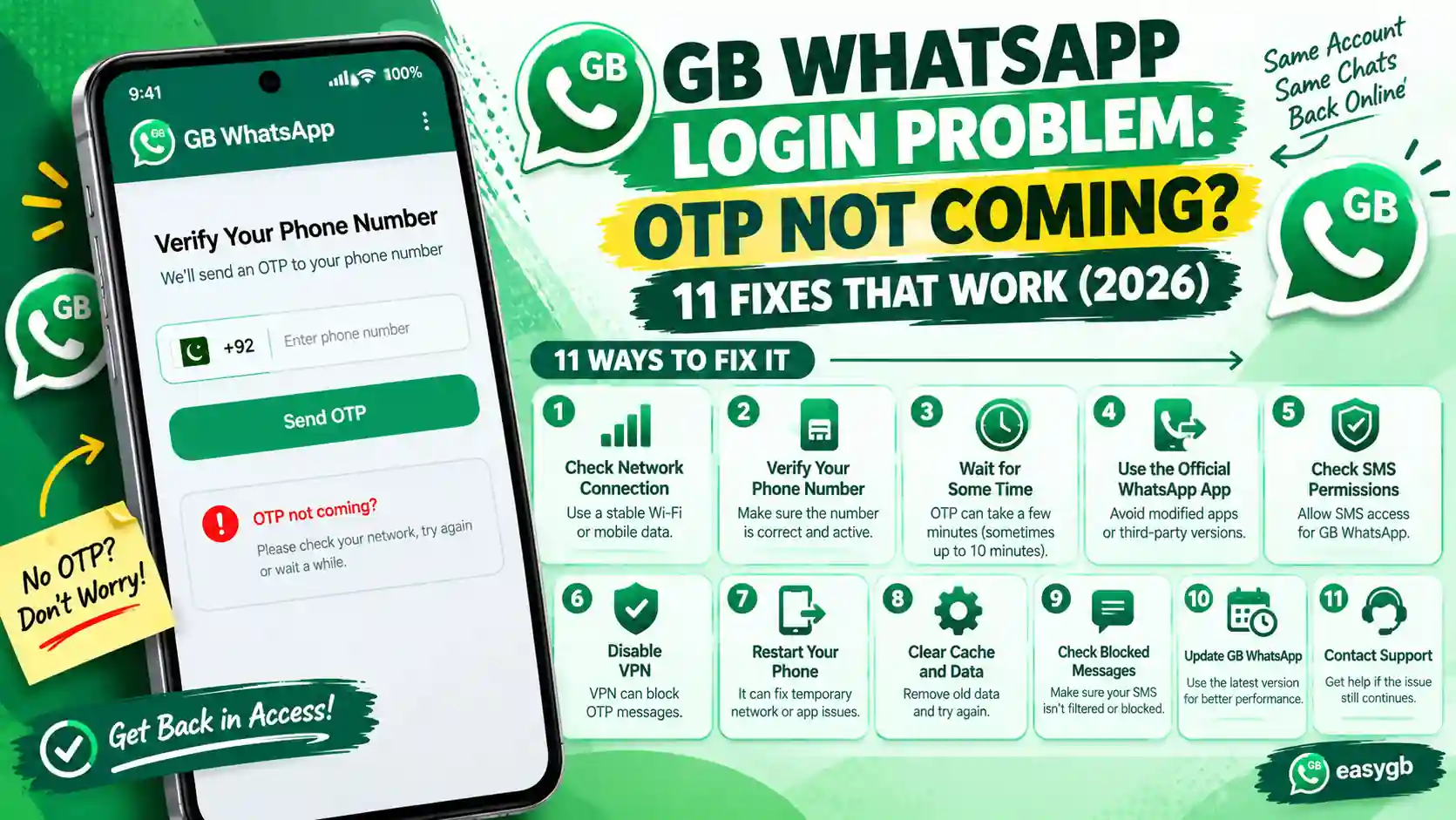
GB WhatsApp Login Problem: OTP Not Coming? 11 Fixes That Work (2026)
Waiting for a verification code that never shows up? Or the code arrives, and GB WhatsApp still refuses to log in? Here is why it happens, which symptom you have, and 11 fixes that get you in, in the right order.
Verifying your number
Waiting to automatically detect a 6 digit code sent by SMS
Why the Code Does Not Arrive
GB WhatsApp does not send codes itself. Instead, it asks the real WhatsApp servers to verify your number, exactly like the official app. So every OTP problem comes from one of three places.
First, your phone or SIM cannot receive the message. Second, WhatsApp’s servers slow you down after too many requests. Third, WhatsApp refuses the app and never sends a code at all.
The good news? Each source leaves a clear clue on your screen. Once you read that clue, you skip the guesswork and go straight to the fix that works.
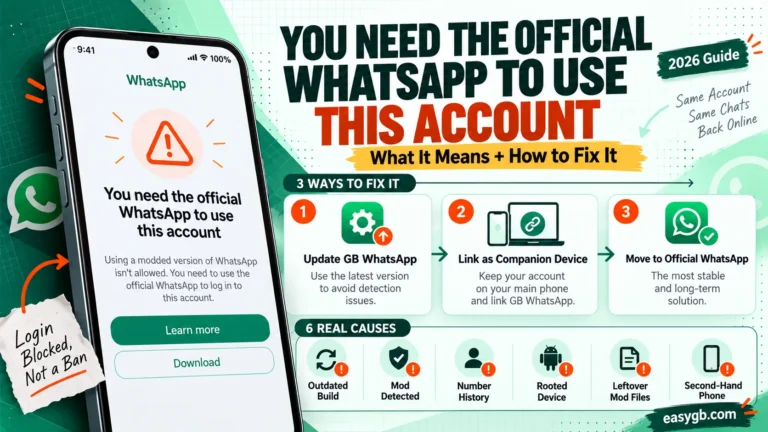
This guide covers the code problem from start to finish: no SMS, wrong code, wait timers, the two step PIN, and getting stuck right after you log in. If your screen instead says you need the official app, that is a different block, covered in our official WhatsApp error guide.
Most missing codes are a timing or SIM issue, not a ban. Work through this order:
- Check the number, country code, signal, and your SMS spam folder.
- Wait for the countdown, then tap Call me or choose email, if offered.
- Hit a long wait timer? Stop retrying and do not reinstall; let the timer run out.
- Still nothing? Update to v26.97, or log in on official WhatsApp and link GB WhatsApp as a companion, which needs no OTP at all.
On this page Tap to open
Match Your Symptom to the Right Fix
People type “GB WhatsApp login problem” for very different screens. So find the line that matches yours, then jump to its fix.
| What you see | What it usually means | Go to |
|---|---|---|
| No SMS arrives at all | SIM, signal, spam filter, or a wrong number format | 60 second checks, then Fix 2 |
| “Try again in 1 hour” or a longer timer | WhatsApp limited your number after repeated requests | Fix 1 |
| Code arrives, but it says incorrect | Old code, typo, or the code expired | Fix 5 |
| Asks for a 6 digit PIN | Two step verification is on | Fix 8 |
| “You need the official WhatsApp” | WhatsApp rejected the app, so no code is sent | A separate login block, not a code problem; switch to official WhatsApp or companion linking |
| Stuck on Initializing or Restoring | Permissions, storage, or a damaged backup | Fix 10 |
| Logs in, then logs out again | Outdated build or a lost companion link | Fix 6 or Fix 7 |
The 60 Second Checks Most People Skip
These sound basic, yet they solve a surprising share of missing codes. Tick each box before you request another code, because every extra request can push you closer to a wait timer.
Dual SIM tip: the code goes to the SIM that owns the number, not the SIM set for mobile data. Check the messages for the correct SIM slot.
The Verification Ladder: Climb, Do Not Repeat
Here is the mistake behind most locked numbers. People request the SMS again and again, and WhatsApp responds with longer and longer timers. Instead, climb to the next method each time one fails.
- SMSA 6 digit code by text. Try it once.
- Voice callUnlocks after the countdown; a robot reads the code.
- Missed callOn Android, WhatsApp calls and checks your call log.
- EmailWorks only if you added an email address earlier.
- PasskeyYour fingerprint or face, if you set one up in official WhatsApp.
- Companion linkLog in on official WhatsApp and link GB by QR code. No OTP needed.
Not every rung shows up for every number. WhatsApp decides which options to offer based on your country, your phone, and your account settings. So use whichever rung appears next on your screen.
Fix 1: You Hit a Wait Timer (Too Many Attempts)
When you request codes too often, WhatsApp pauses new requests and shows a countdown. Many users report that the wait grows after each round of retries, from minutes to hours.
- Stop requesting codes the moment you see a timer.
- Leave the app installed. Reinstalling or clearing data does not reset the timer, because WhatsApp ties it to your number, not your phone.
- Let the full countdown finish, then try once, choosing a different rung of the ladder.
- While you wait, run the 60 second checks so the next attempt counts.
Do not jump between apps. Requesting codes in GB WhatsApp, then official WhatsApp, then WhatsApp Business only stacks more attempts on the same number.
Fix 2: Ask for a Voice Call Instead of SMS
A voice call skips SMS filters, full inboxes, and carrier delays. WhatsApp places an automated call and reads your code aloud.
- Wait for the SMS countdown to end. Do not tap Resend SMS.
- Tap Call me, or open Didn’t receive code and choose the call option.
- Keep a pen ready, answer the call, and enter the 6 digits it reads.
This option also helps landline users and people with weak SMS delivery, such as rural areas or roaming SIMs, because voice calls often get through when texts do not.
Fix 3: Verify With a Missed Call
On many Android phones, WhatsApp offers a quicker route: it calls your number and hangs up, then confirms the call in your call log. You never type a code.
- Choose the missed call option when it appears.
- Allow the Phone and Call logs permissions when the app asks.
- Keep the SIM for that number in the same phone, because the app reads the local call log.
Denied the permission by accident? Open Settings, then Apps, then GB WhatsApp, then Permissions and allow Phone and Call logs, then try again.
Fix 4: Get the Code by Email
WhatsApp lets you attach an email address to your account, and it can send the same 6 digit code there. That makes email a lifesaver when SMS fails abroad or on a dead SIM.
The catch is simple. You must add and verify the email before you get locked out. In official WhatsApp, go to Settings, then Account, then Email address. Once it is set, look for the email option on the verification screen next time.
Do this today: add an email in official WhatsApp and turn on a passkey under Settings, then Account, then Passkeys. Since August 2026, you can even add more than one passkey, which helps if you switch between Android and iPhone.
Fix 5: The Code Arrives but GB WhatsApp Says It Is Wrong
This feels maddening, but the cause is almost always one of four small things.
| Cause | Fix |
|---|---|
| You typed an older code | Each new request cancels the last one. Use only the newest message. |
| The code expired | Codes stop working after a short time. Wait out the countdown and request a fresh one. |
| Auto read grabbed the wrong text | Delete the digits and type the code by hand. |
| The code was for another app | Check the sender. A Telegram, bank, or Google code will never work here. |
Also, never paste the code into a website or send it to anyone. A real WhatsApp code only ever belongs on your own verification screen.
Fix 6: Update to GB WhatsApp v26.97
Old builds often fail at the login step. WhatsApp updates how it talks to apps, and an outdated mod can request a code that never arrives or loop back to the number screen.
- Back up your chats and copy the GBWhatsApp folder to a safe place.
- Download the latest GB WhatsApp APK, v26.97. Expect a file of about 133 MB.
- Install it over your current version, then open it and verify again.
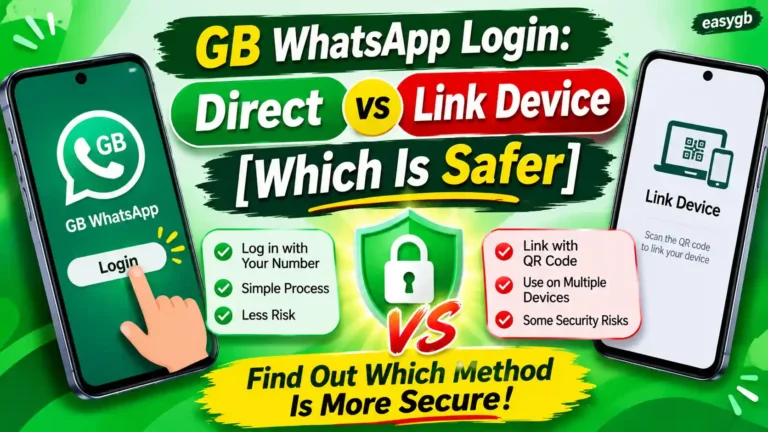
- Look for the direct login by number option, which arrived in v26.86 for users who struggled with codes and linking.
Released on October 7, 2026, v26.97 fixed login and linking failures from v26.90. Also, WhatsApp now needs Android 6.0 or newer, so older phones cannot log in at all. See which GB WhatsApp versions still work.
Fix 7: Skip the OTP Entirely With Companion Linking
This is the cleanest fix when codes keep failing. You verify once on official WhatsApp, which WhatsApp trusts, and GB WhatsApp joins as a linked device through a QR code. No SMS, no call, no timer.
- Install official WhatsApp from the Play Store and verify your number there.
- Open GB WhatsApp, tap Agree and continue, but do not enter your number.
- Open the three dot menu and tap Link as companion device to show a QR code.
- In official WhatsApp, open Linked devices, tap Link a device, and scan it.
Remember two limits. WhatsApp allows up to four linked devices, and it logs them out if the main phone stays offline for about 14 days. If both apps sit on one phone, show the QR code on a second phone and scan that.
Fix 8: It Asks for a 6 Digit PIN You Forgot
That screen is not the SMS code. It is your two step verification PIN, a code you created yourself to protect the account. WhatsApp now also allows a longer password here instead of a PIN.
- Tap Forgot PIN on the PIN screen.
- If you added an email, request a reset link and follow it.
- No email? WhatsApp makes you wait 7 days before it lets you reset the PIN.
- After the reset, set a new PIN you will remember and add an email this time.
Not your PIN? If you never set one, someone else may have taken over your number and set it. Report it through official WhatsApp support right away.
Fix 9: SIM, Carrier, and Number Problems
Sometimes the phone is fine, and the number itself causes trouble. Check the row that matches yours.
| Situation | What to do |
|---|---|
| Brand new SIM | Wait a day after activation; some carriers delay SMS from short codes at first. |
| Roaming abroad | Turn on roaming for SMS, or use the voice call or email option. |
| Virtual or internet number | WhatsApp often rejects these. Use a real mobile number. |
| Recently recycled number | The last owner’s account may still exist. Verify normally; WhatsApp usually hands it over. |
| Number blocked by WhatsApp | You will see a ban message, not a missing code. Wait out any timer, then move to official WhatsApp. |
Still stuck? Call your carrier and ask whether short code SMS or international SMS is blocked on your plan. That single setting quietly breaks codes for many prepaid users.
Fix 10: You Logged In, but It Is Stuck on Initializing
Verification worked, yet the app freezes on Initializing or Restoring. In that case, the login is fine and the problem sits in your storage or backup.
- Allow Files and media or storage permission for GB WhatsApp.
- Free at least 1 GB of space, more if your backup is large.
- On Android 11 and newer, confirm the backup sits in Android, then media, then com.gbwhatsapp.
- If the restore keeps failing, skip it, finish setup, and restore a slightly older backup file instead.
Fix 11: Check Whether WhatsApp Is Down
Occasionally, nothing on your side is wrong. When WhatsApp has an outage, codes stall for everyone, including official app users. Search a live status site such as Downdetector for WhatsApp, or ask a friend to try.
If you see a spike in reports, simply wait. Retrying during an outage only adds attempts to your count.
Never Share Your Verification Code
Got a WhatsApp code you did not request? Someone may be trying to register your number on their phone. Ignore it, do not forward it, and turn on two step verification now.
Scammers often message friends with lines like “I sent you a code by mistake, please send it back.” Anyone who asks for your 6 digit code wants your account. WhatsApp staff will never ask for it either.
OTP Tricks That Do Not Work
Search results and videos are full of shortcuts. Unfortunately, most of them waste time, and several are outright scams.
- “OTP bypass” or code generator apps: nobody can generate a WhatsApp code; these apps steal numbers or install malware.
- Free virtual number sites: WhatsApp rejects most of them, and anyone can later take over the account.
- Using a VPN: the code goes to your SIM, so your IP address changes nothing.
- Reinstalling after every failure: the timer stays with your number and often grows.
- Paying someone to “unlock” your number: no outside service controls WhatsApp verification.
Contact WhatsApp Support
If you climbed the whole ladder and still get nothing, contact support through official WhatsApp. On the verification screen, open the menu and tap Help, or email the support address listed in the WhatsApp Help Center. Keep it short and factual.
Write from official WhatsApp details only. Support cannot help with modified apps, so mentioning GB WhatsApp in a code request usually ends the conversation.
Frequently Asked Questions
Why is GB WhatsApp not sending the verification code?
Usually your SIM cannot receive it, WhatsApp limited your number after too many requests, or WhatsApp refused the app. Check your number and signal, then try the voice call option.
How do I fix the GB WhatsApp login problem?
Run the basic checks, request a voice call, and wait out any timer. If codes still fail, update to v26.97 or log in on official WhatsApp and link GB WhatsApp as a companion.
How long do I have to wait after too many OTP attempts?
WhatsApp shows the exact wait on screen. It can range from minutes to many hours, and it often grows if you keep retrying, so let it finish fully.
Does reinstalling GB WhatsApp reset the OTP timer?
No. WhatsApp ties the timer to your phone number, not the app, so reinstalling only wastes time and may add attempts.
Can I log in to GB WhatsApp without an OTP?
Yes. Verify your number on official WhatsApp, then link GB WhatsApp as a companion device by scanning its QR code. That route needs no code.
Can I get the WhatsApp verification code by email?
Yes, if you added and verified an email address in your account settings before you got locked out. The email option then appears on the verification screen.
Why does GB WhatsApp say my code is incorrect?
You probably typed an older code, the code expired, or auto read captured the wrong message. Use only the newest code and type it by hand.
What is the 6 digit PIN GB WhatsApp asks for?
It is your two step verification PIN, which you set yourself. Tap Forgot PIN to reset it by email, or wait 7 days if you never added one.
Can I receive the code on a different phone?
Yes. The code goes to your number, so the SIM can sit in any phone with signal. Missed call verification is the exception; it needs the SIM in the same phone.
Does GB WhatsApp work with a virtual number?
Rarely. WhatsApp blocks most virtual and internet numbers, and free ones are unsafe because others can reuse them.
Why do I get WhatsApp codes I did not request?
Someone typed your number, either by mistake or to steal your account. Never share the code, and turn on two step verification.
Is a missing OTP a sign of a ban?
Not usually. A ban shows a clear message on screen. A missing code points to SIM, timer, or app problems instead.
Does a VPN help receive the WhatsApp code?
No. The code travels to your SIM by SMS or call, so your internet location makes no difference.
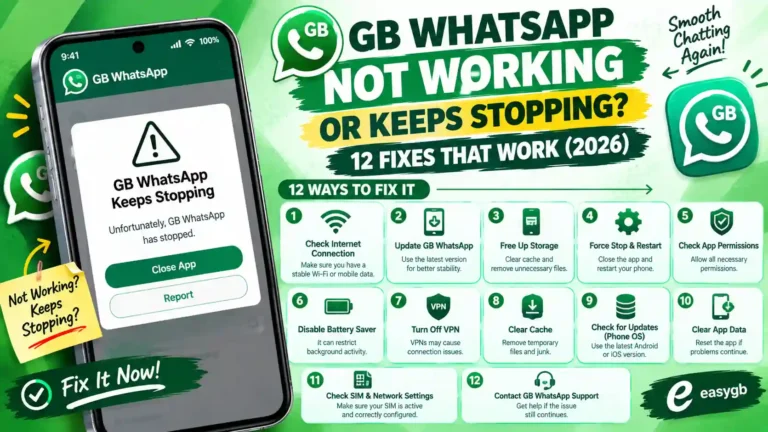
Why is GB WhatsApp stuck on Initializing after login?
The app lacks storage permission, space, or a readable backup. Allow Files and media, free space, and check the backup folder.
Sources and Further Reading
- WhatsApp Help Center: verification codes, two step verification, and linked devices
- ITdaily: longer two step passwords and multiple passkeys (August 2026)
- Guiding Tech: missed call and email verification options
- BGR: how email verification works on WhatsApp
3 Comments